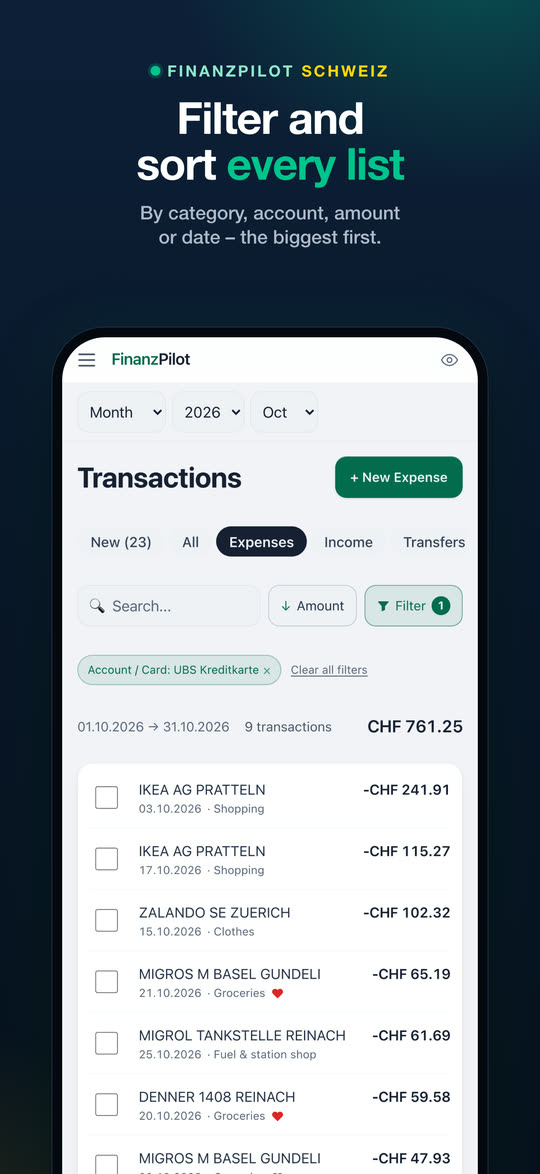
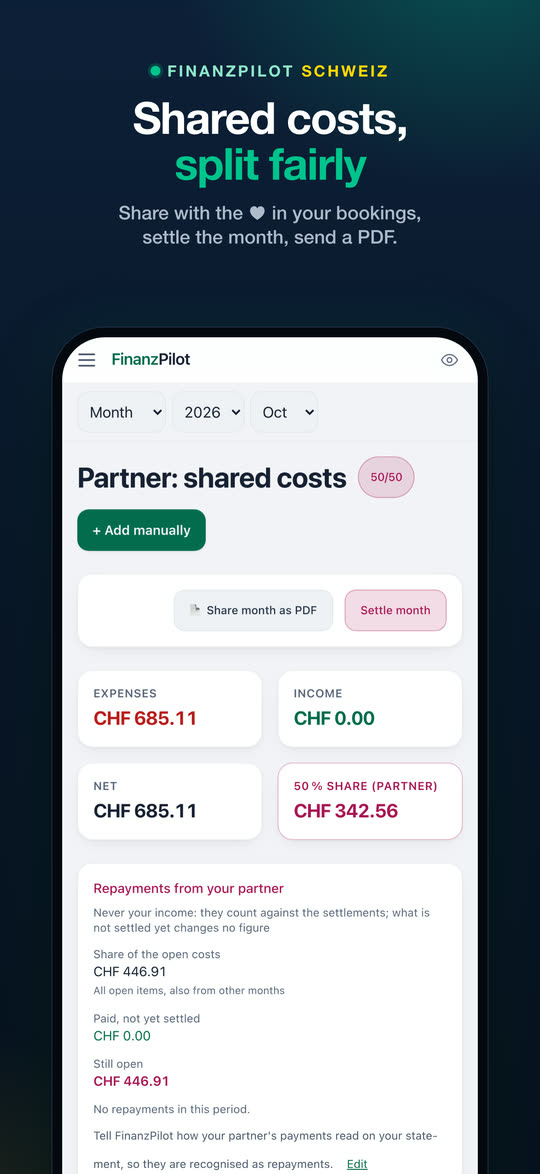
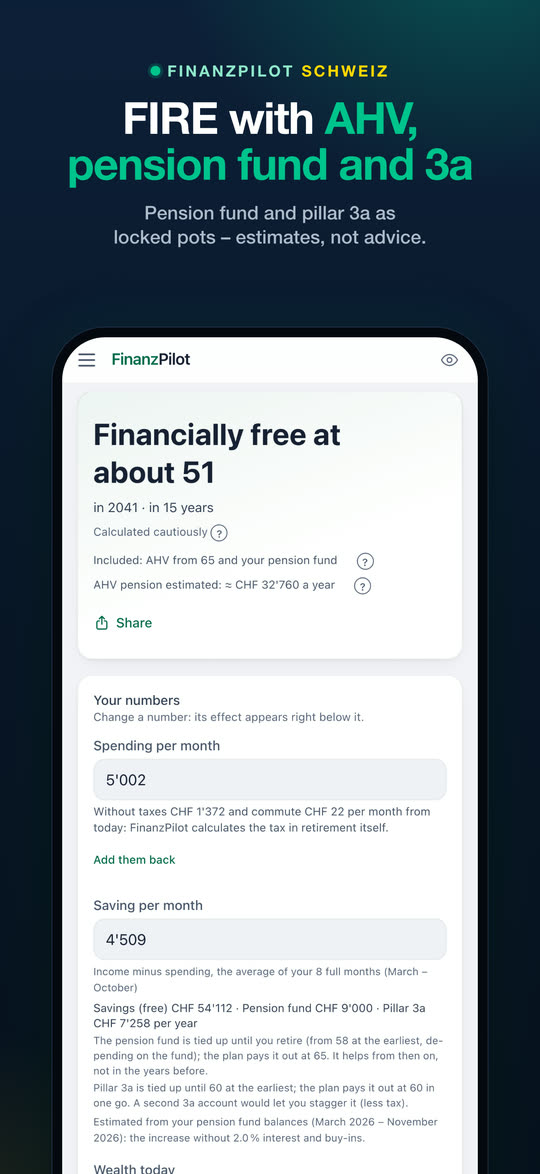
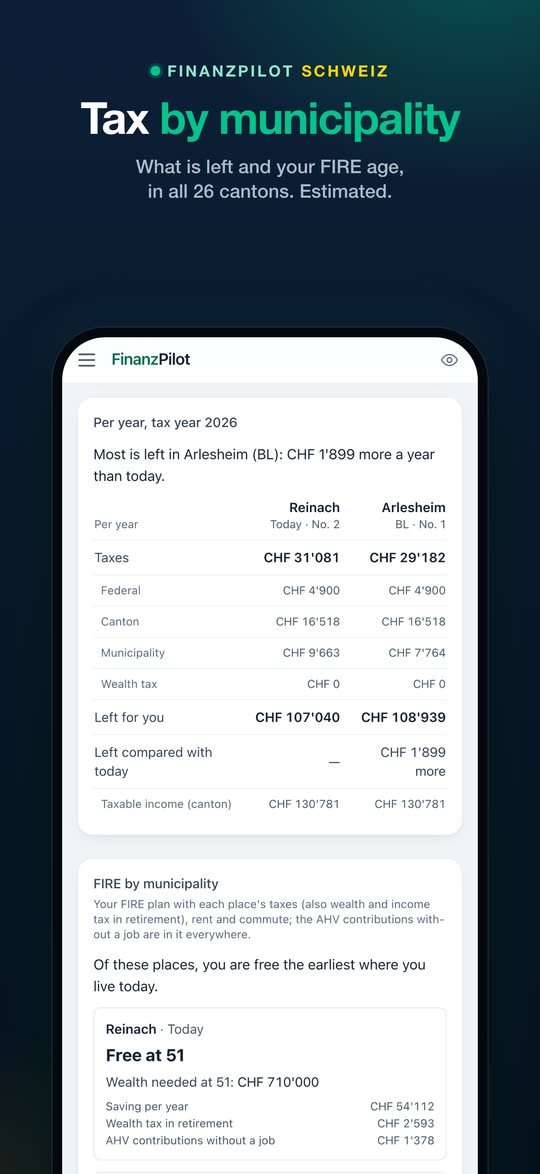
🔍Filter and sort every list
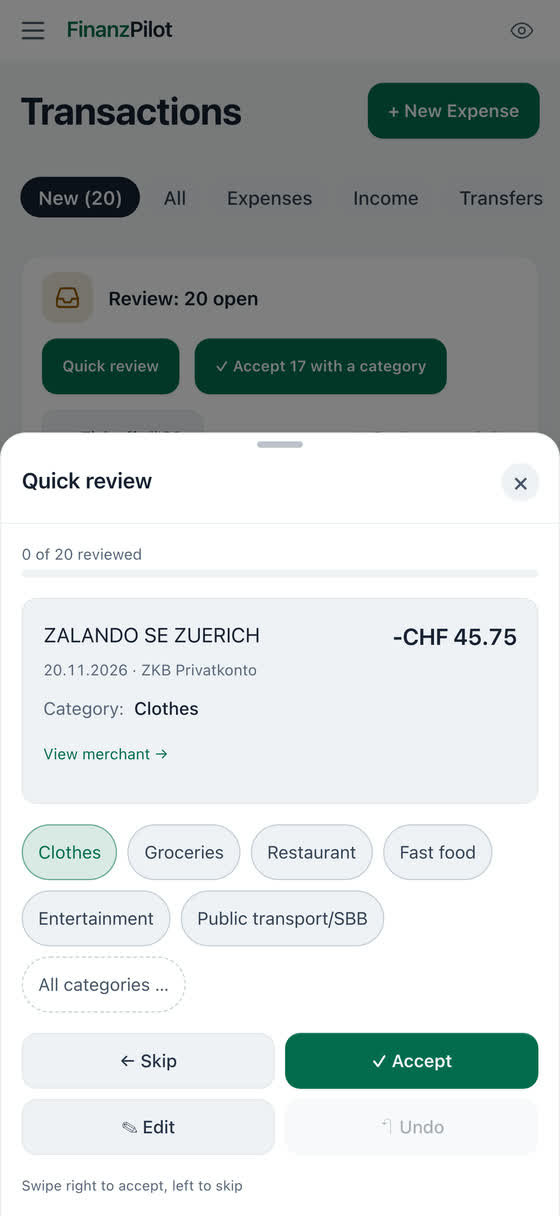
Transactions, income, fixed costs, budget, investments, receipts, the partner list and more: on iPad and Mac the filters sit in the column headers, on the iPhone under «Filter». Category, account or card, description, date, amount; «Amount (largest first)» covers the whole period. Active filters show as chips above the list.
🏷️Categories for Swiss everyday life
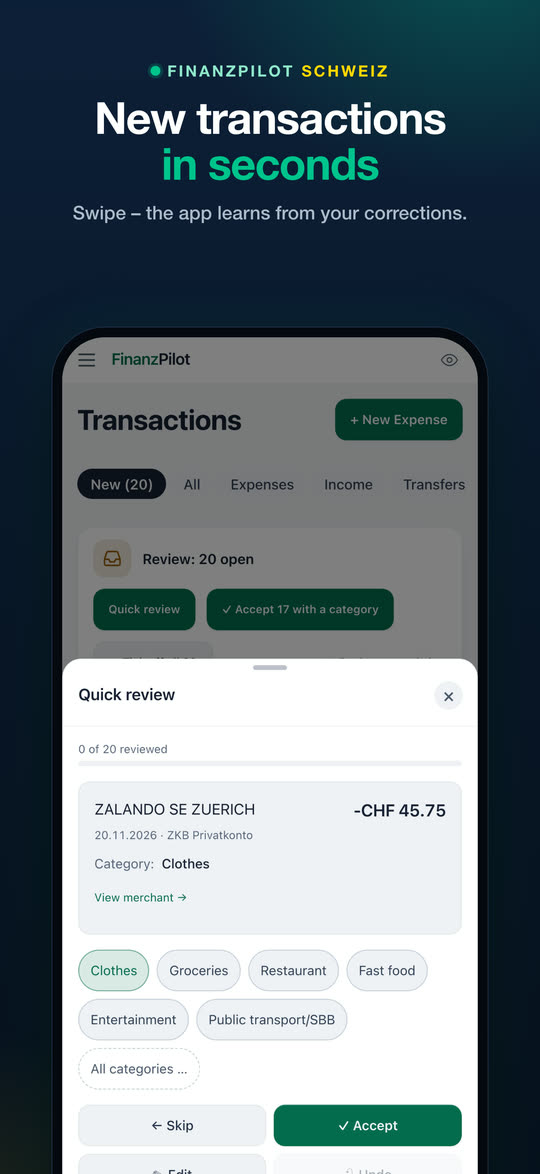
Alphabetical everywhere, subcategories right under their main category, new ones such as Hairdresser, Daycare & childcare, Pharmacy & drugstore, Bike, Half Fare/GA, Pillar 3a and Tax reserve. In the English view the built-in categories have English names. Paying the card bill from your bank account is «Credit card paid» and never counts as spending a second time; a refund lowers the spending of its category instead of counting as income.
🏘️Compare municipalities
Your municipality next to others, with the same household: income and wealth tax, rent and commute if you like, what is left for you each year and at what age you would be free. With a moving date, it says from which tax year the new place applies. Free: your place and one other; with Pro up to six and the 10 cheapest in your canton or nearby.
🌊Where did my money go?
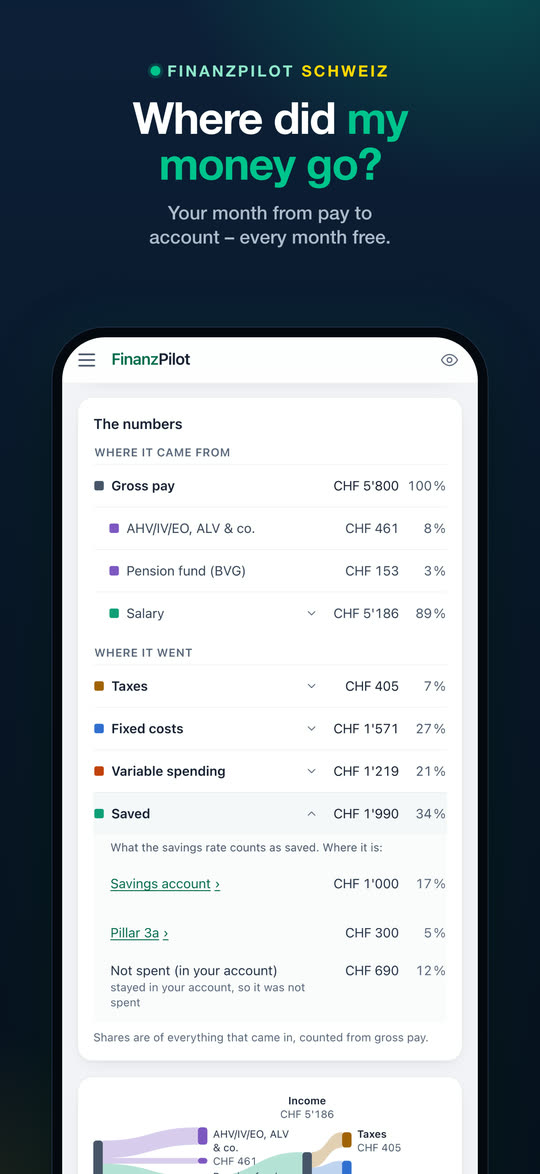
Your month as a flow: where the money came from and where it went – taxes, fixed costs, savings and what stayed in your account – from your gross pay if you add a payslip. Tap a row to see its categories, and «See in transactions» opens exactly those bookings. «Saved» shows where the money is: pillar 3a, broker, savings account, pension fund buy-in, mortgage paid down. On the iPhone the numbers come first, the diagram below. Every month is free; the whole year comes with Pro. «Rebuild last year» reads in a whole year of statements at once, free.
💬Ask FinanzPilot
Ask in your own words, such as «Can I afford a flat for 900,000?», and FinanzPilot names the matching function and opens it with your price. With Apple Intelligence the model on your iPhone chooses, otherwise the search does; the question never leaves the device, and the answer states no amounts and is never advice. «All tools» shows every function by life question. Free.
🏠Buying a home
«What can I afford?» works out the highest price from your own numbers, or checks one: affordability, own funds, a pension fund withdrawal and your canton's purchase costs; by default, three months of spending stay as a reserve. Free. With Pro, «Buy or rent?» year by year, with the end of the imputed rental value from 2029. A calculation, not a commitment and not a recommendation.
🪪Tax at source check
For B and L permits: must you file a tax return, may you apply for one by 31 March, or do you stay with tax at source? Each reason with its official source. Whether a return would cost more or less is free; the amounts and what drives the difference come with Pro. The app is in German and English today; French, Italian, Spanish, Croatian and Serbian are coming soon.
📈Broker statements
Export a Flex Query at Interactive Brokers or the holdings report PDF at Saxo and pick the file in FinanzPilot: holdings and prices in CHF, at Interactive Brokers also trades and dividends with withholding tax. File import only, no broker login. The securities list on 31 December is free; with Pro, the dividend and withholding tax list and the DA-1 helper. Swissquote and the Saxo transactions work too but are not yet checked with a real file.
🗂️If something happens to me
A private list for the people you trust: what you have, where it is held and whom to call. The app fills in most of it from your accounts, pensions, broker accounts and insurance; you add contacts and where your will or advance care directive is kept. The PDF is made on the device; it shows account numbers with their last four digits only, unless you choose the full number. Not a legal document. Free.
📱Properly at home on the iPhone
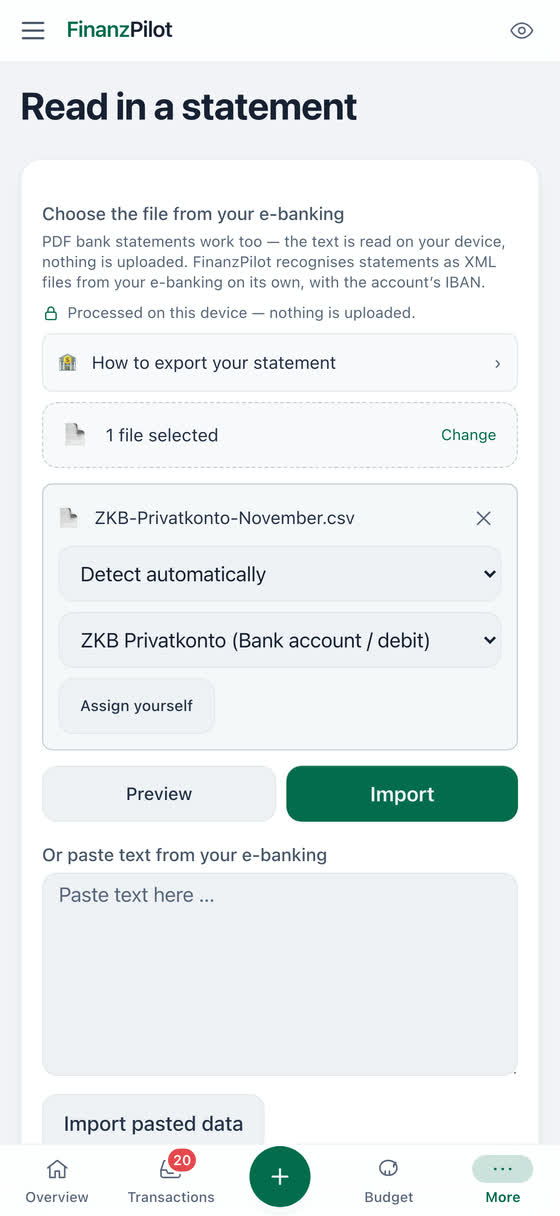
Widgets (the "Daily budget" Lock Screen widget is free, the others come with Pro), Siri («How much can I spend today in FinanzPilot?», Pro), the controls «New expense», «To review» and «Import» for Control Center, the Lock Screen and the Action button, iPhone search that finds the app's pages and tools (only their names, no data), Face ID lock, receipt photos with on-device text recognition, and import straight from the share sheet.
⌚Apple Watch and Mac
On the Apple Watch (Pro), «Available today» fills a ring, with the fixed costs still due; plus your savings rate for the year, budgets, bills with «Today» and «Tomorrow», and the complications «Savings goal» and «Next bill». On the Mac and on an iPad with a keyboard: the menu bar, shortcuts such as ⌘N for a new booking, ⌘K to search and ⇧⌘H to hide amounts, and a right-click on a row shows its actions.
☁️Backup and sync through your iCloud
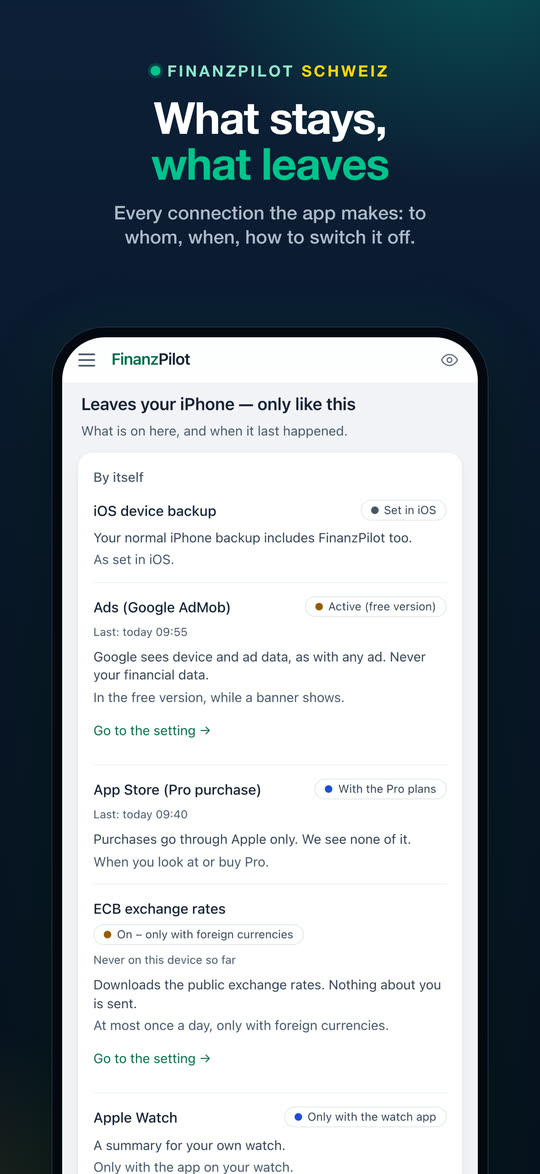
The backup to your own private iCloud runs if you allow it: the app asks you once. Sync between iPhone and iPad is something you switch on if you want it. No account with us needed.
🗓️Every deadline in view
The money calendar knows the year's Swiss money deadlines that apply to you: cancelling your health insurance (it must reach the insurer by 30 November), pillar 3a by the end of December, the tax return with your canton's deadline. Reminders if you like.
🎚️Focus or Expert
Focus shows the essentials in plain words: what you can still spend this month, what needs doing and one tip that fits. Expert shows everything in detail. Choose at the start and switch any time. A "?" next to terms like pillar 3a or deductible explains them in two or three sentences.
💳Note Apple Pay payments
With an automation in the Shortcuts app, FinanzPilot notes every Apple Pay payment, if your card supports it, without opening the app and without sending anything. So the amount per day is right on the same day; when the statement arrives, the booking replaces the entry and nothing counts twice.
✉️Cancellation letter included
For your health insurance or a subscription, FinanzPilot makes the cancellation letter as a PDF on your device, for health insurance on the federal template. Your name and address stay on the device. Then you mark the contract as cancelled; if you like, budget and fixed costs stop expecting the payment. Free.
📆Your week and month in one sentence
The weekly check sums up your week: spent against your plan, the biggest category, what is open; if you like, as a notification on Sundays at 18:00. From the 3rd of each month, the month in review compares your month with the one before. Both free.
📤Share without amounts
Share your savings rate, pillar 3a, FIRE progress or month in review as an image with percentages only, such as "31 % saved in September". Amounts and your age are added only if you switch them on for that image. The image is made on the device; nothing is uploaded.